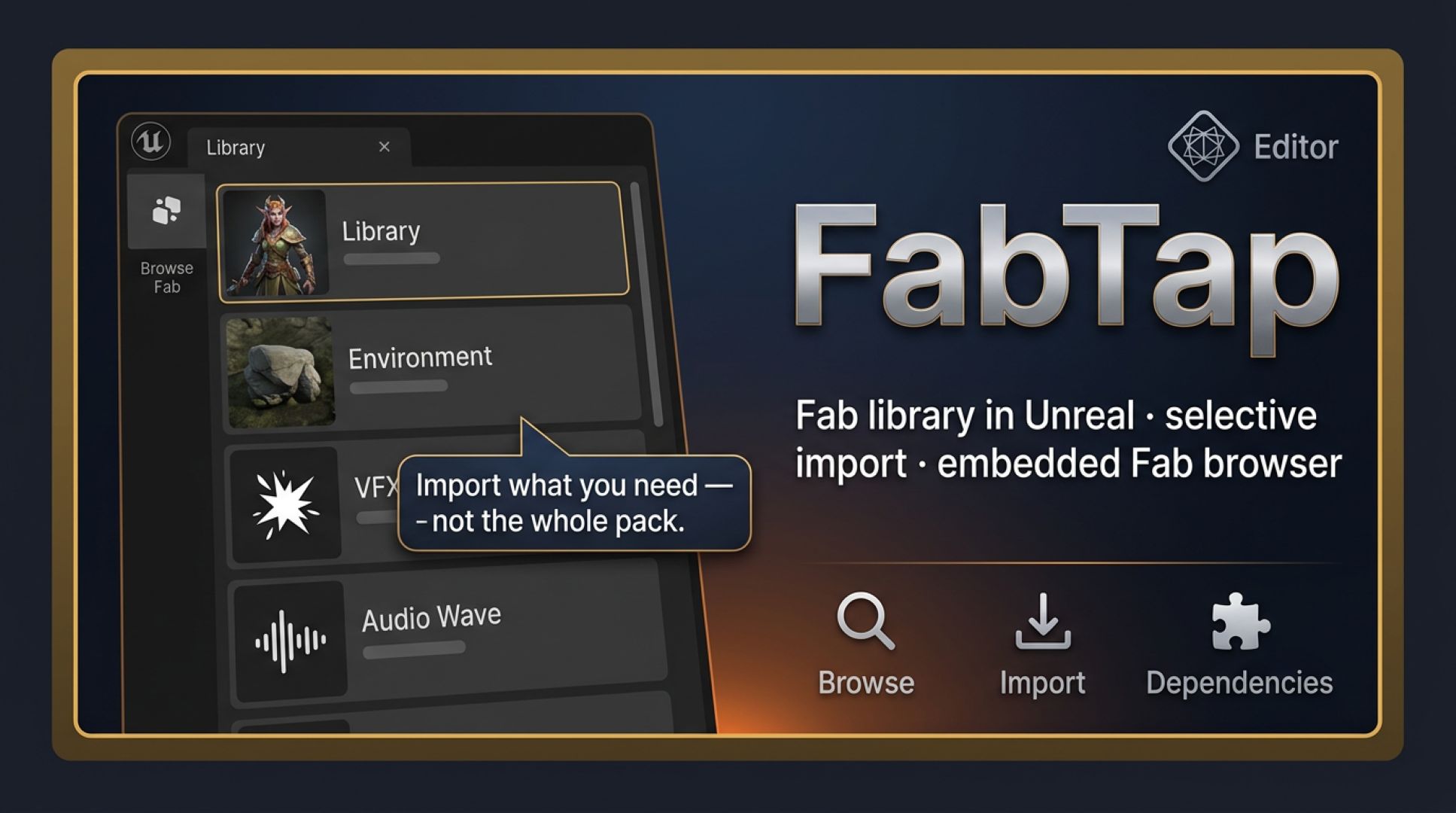
The Epic Games Launcher forces you to download entire asset packs — often several gigabytes — just to use a single prop, material, or Niagara system. FabTap intercepts the Add to Project click from an embedded Fab.com browser, resolves only the files the pack actually needs, walks .uasset ImportMaps to pull in transitive dependencies, and relocates the result into a destination folder you configure per asset type. An eight-gigabyte environment pack becomes a 120 MB install when you only want one tree.
FabTap is an editor-only plugin. It never ships with your packaged game — no runtime overhead, no increase to build size, no cook cost.
.uasset's ImportMap and pulls every transitive reference so materials, textures, and sub-assets arrive alongside the thing you clicked — nothing is missing, nothing is broken./Game/Maps, Niagara systems in /Game/VFX, materials in /Game/Materials. Your Content folder stays organized automatically.- Enable the FabTap plugin in your project's Plugins menu and restart the editor.
- Open the panel from Window → FabTap and sign into Fab.com inside the embedded browser (one time).
- Browse the store normally, then click Add to Project on any listing — FabTap resolves the dependency graph and streams only the files it needs.
- Configure per-type destination folders under Project Settings → FabTap so new installs land in the right subfolders automatically.
- Open the full docs (linked in the sidebar) for advanced routing rules, transfer settings, and troubleshooting.
- Unreal Engine 5.7.0 — declared in
FabTap.uplugin. - Fab.com account with at least one owned or free listing.
- Outbound HTTPS to
*.epicgames.com,fab.com, and Epic's Akamai CDN. - No Epic Games Launcher required — FabTap replaces its install path entirely.
FabTap is marked IsBetaVersion: true in its .uplugin. Back up your project before bulk-installing unknown packs. Epic may change the Fab or launcher APIs without notice — FabTap falls back gracefully between endpoints but isn't immune to server-side breakage.
Open the full documentation
Complete setup guide, API reference, dependency-resolution details, per-type routing configuration, troubleshooting, and FAQ.